Подключение и решение проблем
Как правильно измерить скорость VPN
2 мин чтения·Обновлено 16 сентября 2026 г.
Используйте встроенный Speed test и повторяемый базовый замер для сравнения локаций и параметров подключения.
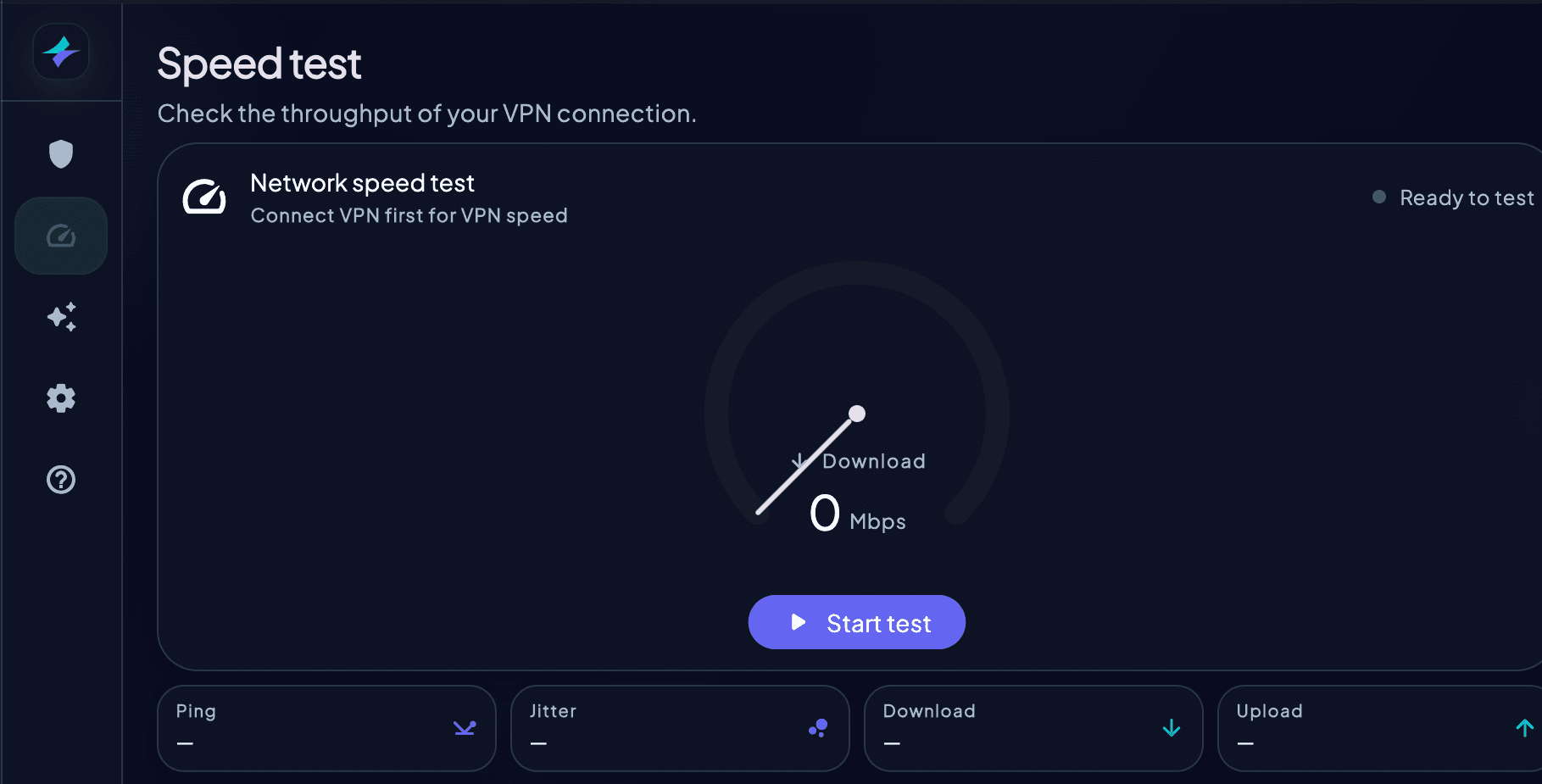
- 1Приостановите большие загрузки, облачное резервное копирование и другую интенсивную сетевую активность
- 2Если платформа позволяет, запустите встроенный Speed test HorizonVPN без VPN-подключения, чтобы записать базовый результат
- 3Подключитесь, оставив Protocol в режиме Auto, и выберите ближайшую локацию
- 4Повторите тот же тест в сходных сетевых условиях
- 5Если результат неожиданно низкий, повторите тест с другой ближайшей локацией
- 6Сравнивайте задержку, скорость скачивания и отдачи, а не полагайтесь на одно число
Гарантированного процента от скорости без VPN нет. На результат влияют качество Wi-Fi, расстояние, нагрузка, производительность устройства, доступность протоколов и сам сервис тестирования.
тест скоростиконтрольный замерМбит/спроизводительностьтест
Эта статья была полезной?