Настройки и функции VPN
Рекомендуемые настройки для новых пользователей
3 мин чтения·Обновлено 16 сентября 2026 г.
Безопасная начальная конфигурация только с настройками, доступными в текущем приложении HorizonVPN.
Начните с настроек по умолчанию и меняйте по одному параметру только при конкретной необходимости. Доступные элементы управления могут зависеть от платформы, тарифа и версии приложения.
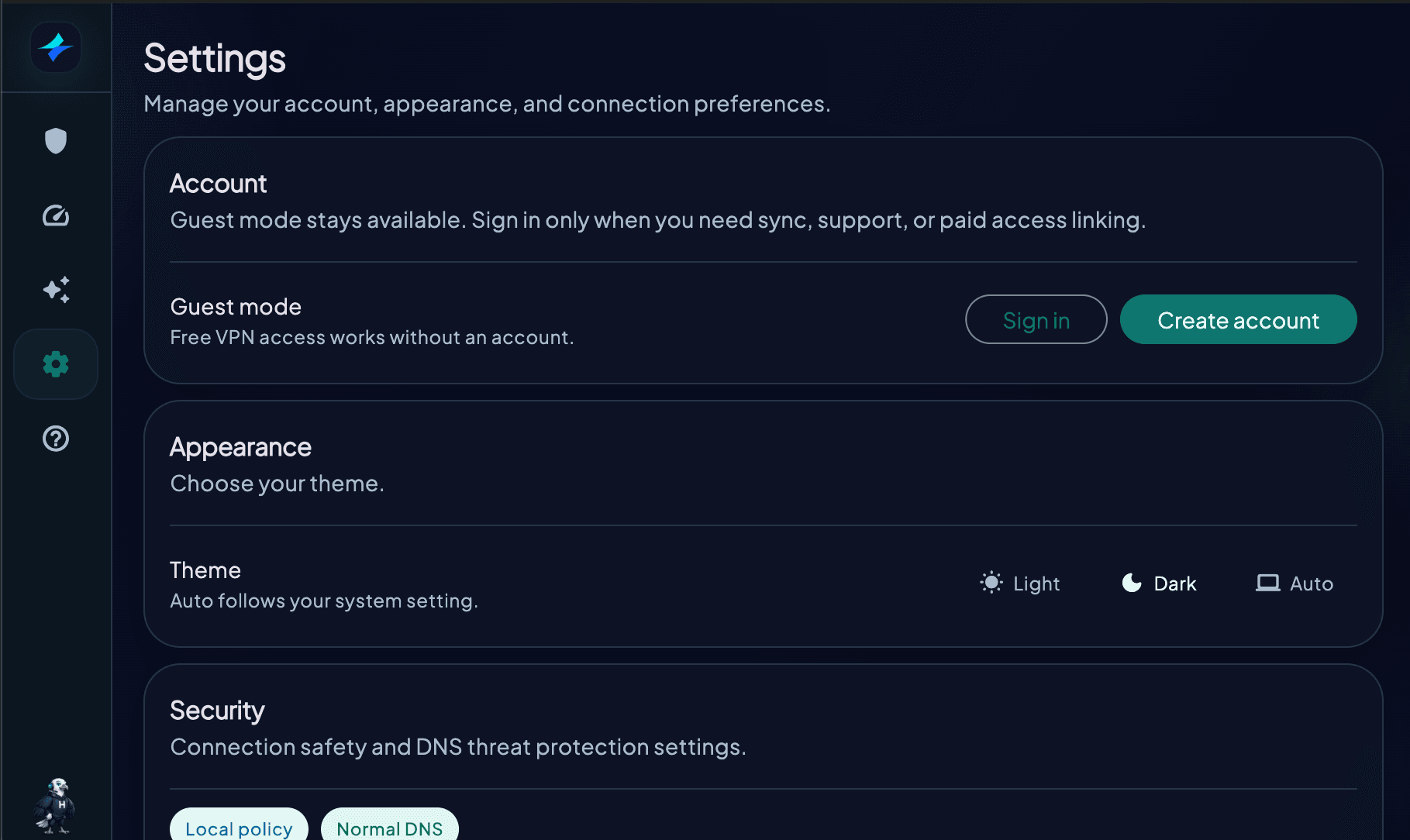
Настройки безопасности
- Kill switch: включите, если блокировка возврата к обычному подключению важнее непрерывного доступа в интернет
- Android: используйте Always-on VPN и Block connections without VPN, когда нужна системная блокировка сети без VPN
- Фильтры DNS-угроз: включите нужные фильтры; для некоторых элементов управления может потребоваться Premium
- Телеметрия: выберите в Settings, отправлять ли анонимные диагностические данные
Протокол
- Протокол: сначала оставьте значение Auto
- Connection compatibility: оставьте Automatic, если вашей сети не требуется региональный режим совместимости
- Ручная проверка протокола: выбирайте только варианты, которые приложение сейчас показывает как доступные
Выбор сервера
- Обычный просмотр: используйте Auto или ближайшую подходящую локацию
- Конкретная страна: выберите ее локацию в списке
- Лучшая производительность: сравните ближайшие локации с помощью встроенного Speed test
Launch at startup доступен только на платформах, где приложение показывает этот параметр. Сейчас в HorizonVPN нет пользовательской кнопки Reset to Defaults или списка Trusted Networks.
настройкирекомендуемоедля начинающихрекомендации
Эта статья была полезной?