速度与性能
如何进行准确的 VPN 测速
2 分钟 阅读·更新于 2026年9月16日
使用内置 Speed test 和可重复的基准结果比较位置与连接设置。
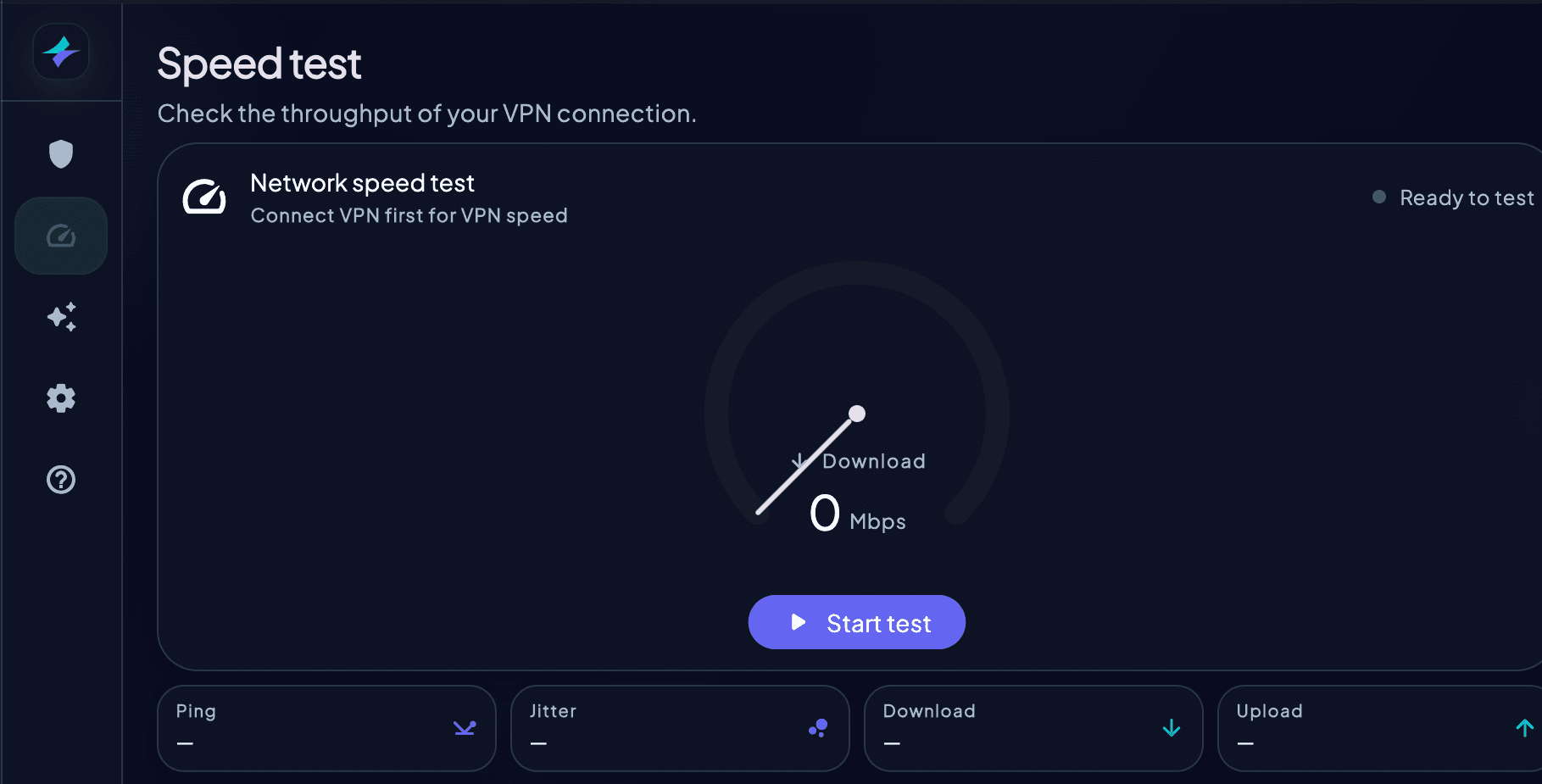
- 1暂停大型下载、云备份和其他高流量网络活动
- 2如果平台允许,请在未连接 VPN 时运行 HorizonVPN 内置 Speed test,记录基准结果
- 3将 Protocol 设为 Auto,连接到附近的位置
- 4在相近的网络条件下再次运行同一测试
- 5如果结果异常偏低,请换一个附近位置再测试一次
- 6比较延迟、下载和上传结果,不要只依赖单个数值
VPN 速度无法保证达到未连接 VPN 时的某个固定百分比。Wi-Fi 质量、距离、拥塞、设备性能、协议可用性和测试服务都会影响结果。
速度测试基准测试Mbps性能测试
这篇文章对你有帮助吗?