新手入门
新用户推荐设置
3 分钟 阅读·更新于 2026年9月16日
仅使用当前 HorizonVPN 应用中已有设置的安全初始配置。
先使用默认设置,只在有明确需求时逐项更改。可用控件可能因平台、套餐和应用版本而异。
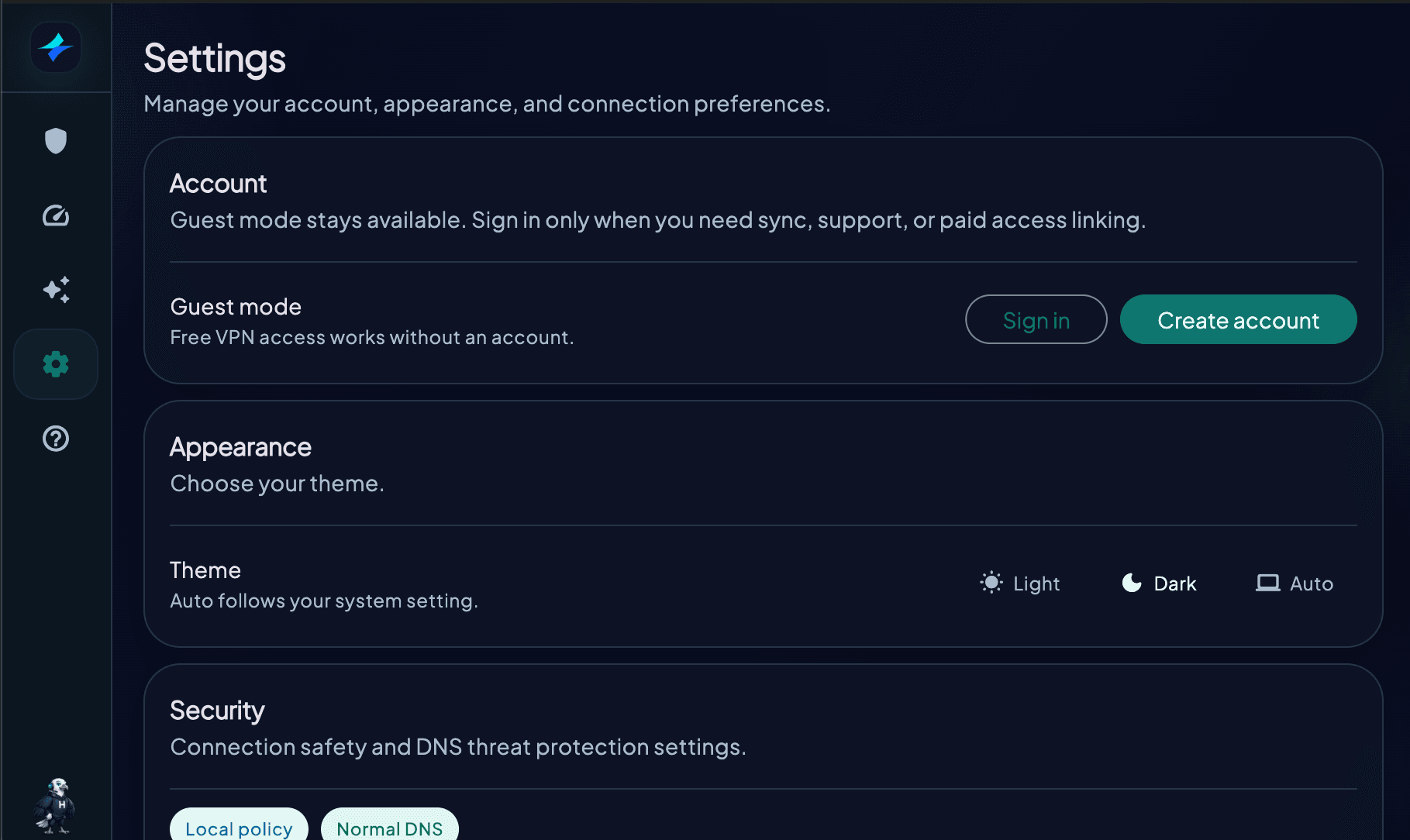
安全设置
- Kill switch:当阻止流量回到普通网络比保持网络不中断更重要时,请将其开启
- Android:需要系统级网络锁时,请使用 Always-on VPN 和 Block connections without VPN
- DNS 威胁过滤:启用你需要的过滤器;部分控件可能需要 Premium 权限
- 遥测:在 Settings 中选择是否共享匿名诊断数据
协议
- 协议:先保留为 Auto
- Connection compatibility:除非当前网络需要特定地区的兼容选项,否则请保留为 Automatic
- 手动测试协议:仅选择应用当前显示为可用的选项
服务器选择
- 日常浏览:使用 Auto 或距离最近的合适位置
- 指定国家或地区:从列表中选择对应位置
- 提高性能:使用内置 Speed test 比较附近位置
Launch at startup 仅在应用显示该控件的平台上可用。HorizonVPN 目前不提供面向用户的 Reset to Defaults 控件或 Trusted Networks 列表。
设置推荐新手最佳实践
这篇文章对你有帮助吗?